


The folks at OneOdio have long been waiting for the official OutsiderGaming review of the OneOdio A10 Noise Canceling Headphones. Tested the headphones, we have: Through long gaming experiences hearing guns blast and footsteps in Fortnite, to simple music and podcast listening while working in the home office. Yes, these headphones have been given a proper test, and it’s time to share this experience with the OG community.
For this review, OneOdio was kind enough to supply the OneOdio A10 Hybrid Noise Canceling Headphones–to be tested as work from home headphones, headphones for music and podcasts, and of course as gaming headphones.
OneOdio A10 Review: Wired/Wireless Over-the-Ear Headphones
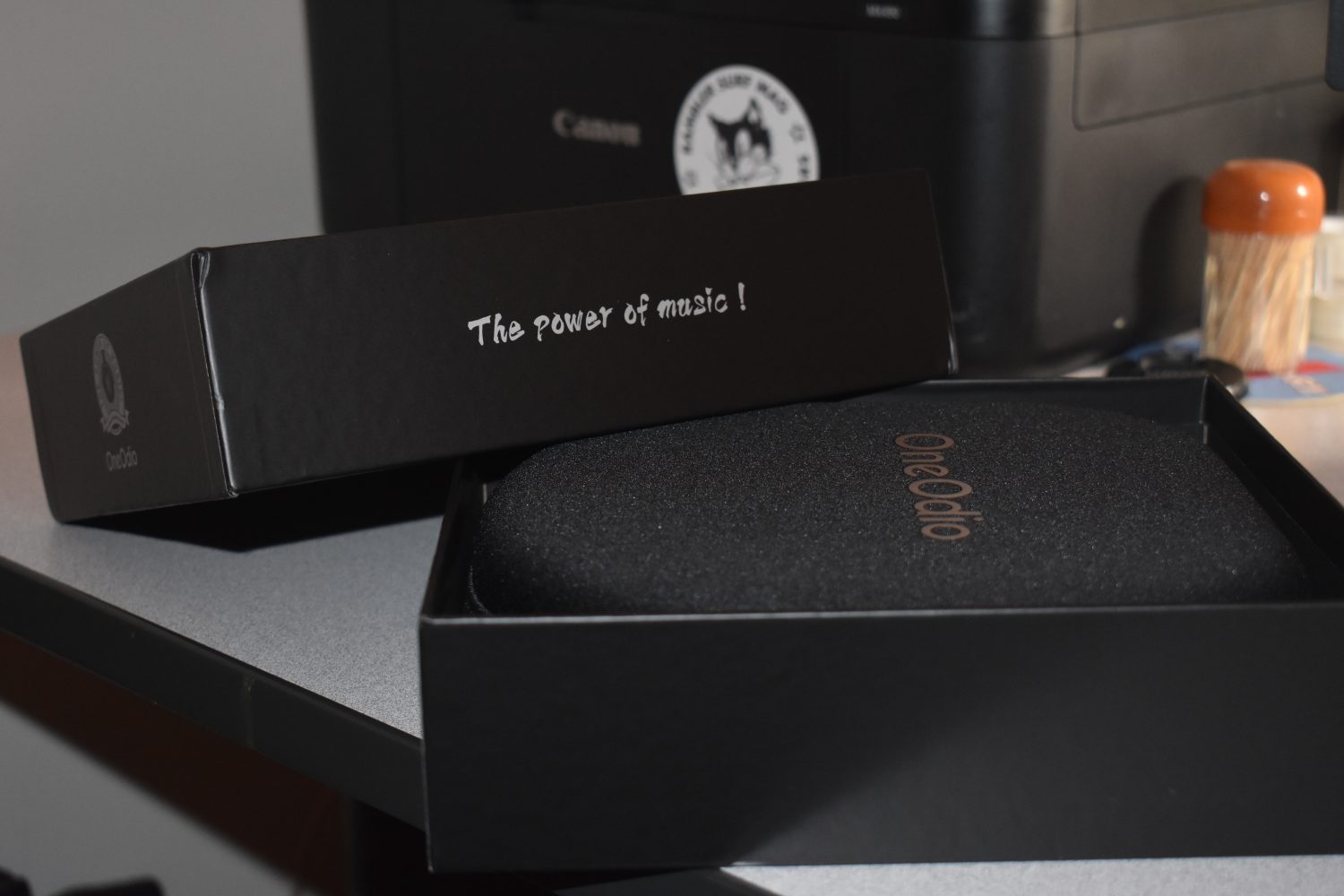
Headphones have the tendency to make one feel locked in OR literally plugged into work or a gaming station. They are important for multitasking between work, playing music, listening to podcasts, gaming, etc. Most importantly, headphones should have the user forget about the outside world for the time they’re using the product. Overall, the OneOdio A10 noise canceling headphones did just that. For these reasons and more: These gaming headphones have garnered a 4.25 out of 5 stars review!
In this work from home headphone review, the reader will understand qualities of the OneOdio A10 based on:
- Technical Headphone Features
- Product Setup
- Design & Comfortability
- And of course: Noise Quality
Key Features of the OneOdio A10 Headphones
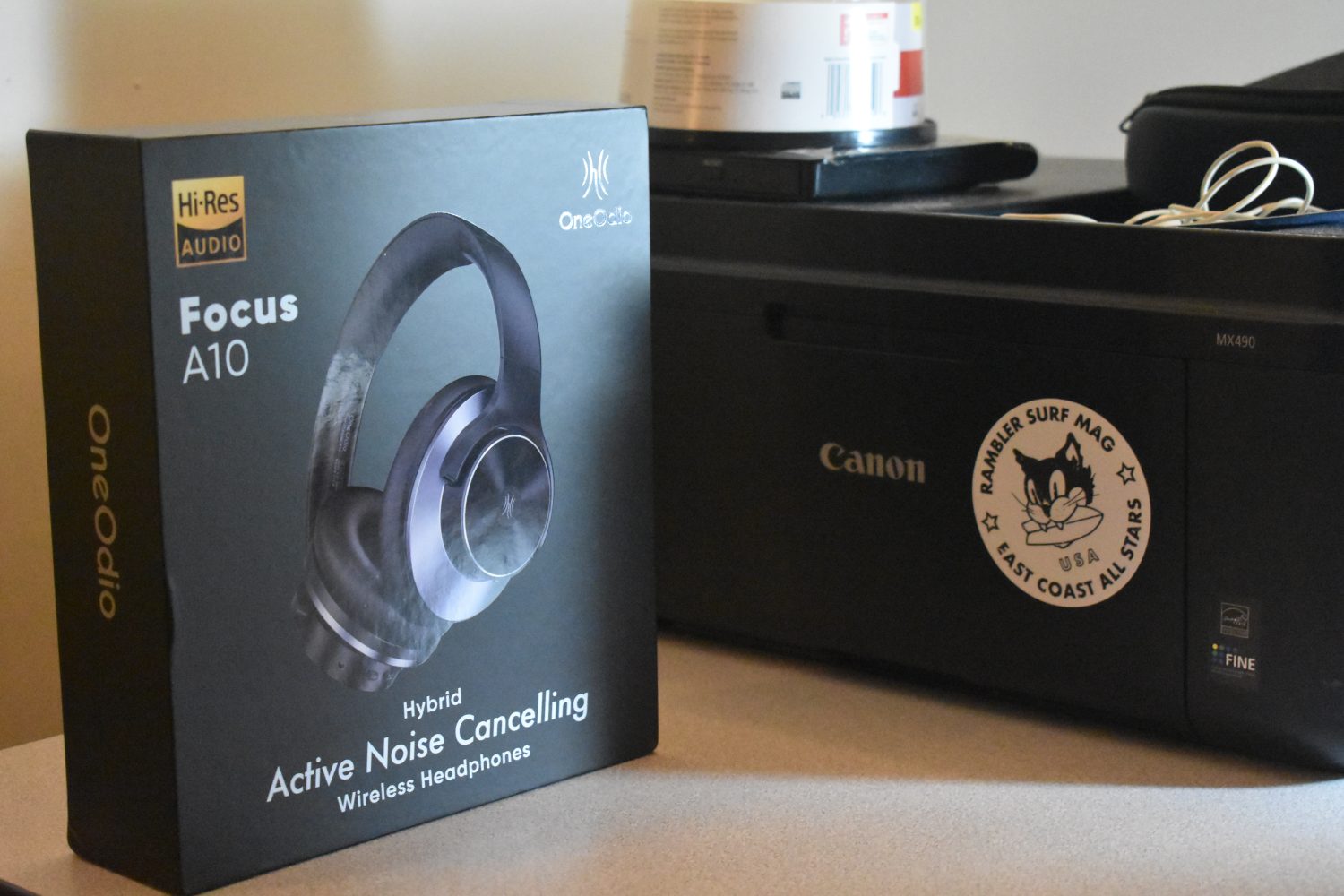
These headphones are pretty technologically advanced, and are easy to use–even for someone who literally just wanted the most basic wired headset possible. Prior to receiving the OneOdio A10 over-the-ear headphones, I used a pair of Sony headphones (circa 2014?) every day. Comparing the old Sonys to the new OneOdio is night and day. The OneOdio A10 headphones can be used as a wired headset, or can be disconnected and used via Bluetooth at any moment.
I liked my old headphones, and didn’t want new ones until the ear padding started to fall apart. Despite that sentiment, there aren’t many tech products that come without all the new bells and whistles (i.e. Bluetooth, charging port, wired/wireless option, noise canceling, etc.).
As a result, the OneOdio A10 headphones felt like a big step up from the old Sonys. Since these new headphones have the wireless option, they are easily chargeable for hands free, on the go, or Bluetooth use. I don’t charge them very often, and they always seem to be fine to use whenever I need to listen to music and podcasts, or take a wireless call. The headphones can connect to two devices at once–and can easily switch between my phone and computer.
Having found myself using the wireless features, I still use these headphones most often as wired headphones–while doing work on my laptop or gaming. In this scenario, I found the aux cord to be a tad shorter than my old Sonys’ aux wire. This did not affect me much, but sometimes I will switch out the aux cord from my old Sony headphones onto my new OneOdio A10 headphones.
When gaming, unfortunately, I have not found a way to speak to my friends using these headphones. When I first got back into the OG Fortnite map, I tried plugging these headphones into my Nintendo Switch to play with my friends online. The headphones would not relay my voice that way. I tried to connect these headphones via Bluetooth to my Nintendo Switch, and that did not work either. So now, when I play Fortnite and talk to friends in a party chat, I always use my wired Apple Earphones that I still have from my iPhone 7! However, if you’re reading this OneOdio: Please let me know if you have a solution! I would love to use these headphones to chat with my Fortnite bros while gaming.
Setting Up the OneOdio A10 Headphones
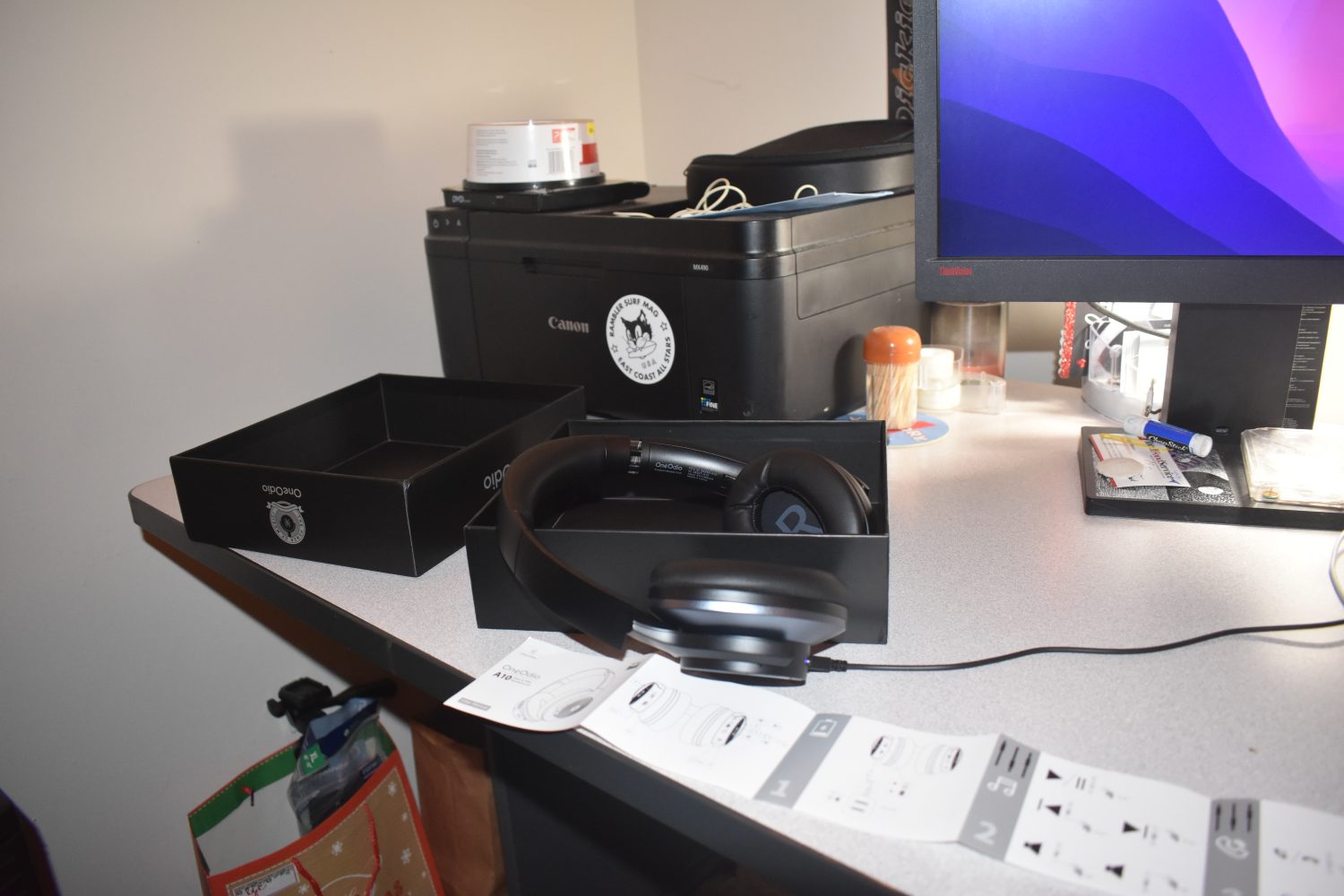
There was really no setup required for the OneOdio A10 headphones. I plugged these headphones in and started listening to Electric Wizard while answering emails, right away. Mainly, I used these headphones for plugged-in, remote work. However, once I began looking at all the buttons and capabilities, I started to get overwhelmed–between noise canceling, bluetooth (and more features?).
Alas, I am a simple man, and haven’t really delved more into what these headphones can do. If the OutsiderGaming readers have these headphones, please don’t hesitate to reach out to our editorial team to share feedback!
Design & Comfortability: OneOdio A10 Headphones
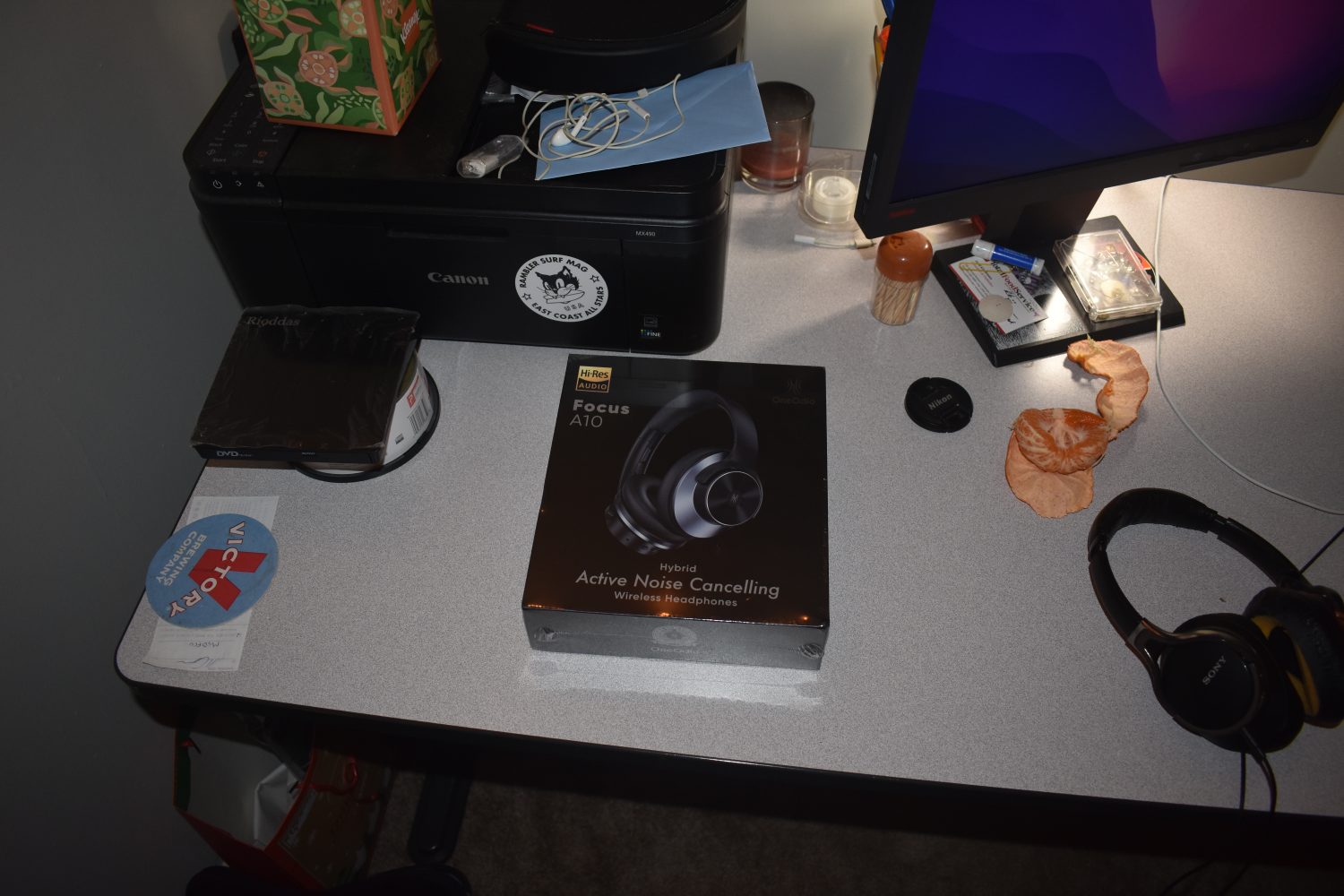
The OneOdio A10 are sleek and comfortable. The design and materials seem sturdy. Each one of the ear pieces can rotate, the headband is adjustable, and the headphones fit really comfortably over the ears. I have been able to test this day in and day out–working 5-6+ hours per day with the headphones over my ears. Side note: I’m not sure what effect consistent wireless use has on a person’s head or brain–which is why I opt to use the wired mode. But full disclosure, long use like this may or may not be harmful to us as humans. We’ll see–hopefully it’s not an issue for me or any other consumers.
The aux cord plugs into the right ear phone. On that right side, you have the Bluetooth button. SImply grab the button, hold it for 1-3 seconds, and a voice will ring: “Power on.” And again, you’ll hear: “Pairing,” and “Connected.” And when you’re done using the Bluetooth feature, just hold the same button again to hear: “Power off.” On this right side, users can also adjust the sound volume up or down using the corresponding buttons above or below the Bluetooth ON/OFF button.
I admit, the first time I heard this voice, I was a little freaked out. But I’m used to this AI-esque, woman’s voice in my ear now… Is that strange?
On the left ear phone, users will find buttons for “transparency mode” and “ANC ON/OFF.” It’s still not clear to me what these settings mean or do… Sorry for not being too helpful here.

Compared to my old Sony headphones, the OneOdio A10 headphones seem to have a deeper, more quality sound. I used these headphones to listen to some awesome tunes during a fantasy football draft, I used them to hear Joe Rogan and Tim Dillon yell at me while working out, and I’ve used them to hear minor footsteps in solo Fortnite play. In all scenarios, the sound these headphones generated was definitely quality.
Most exemplary, I used these headphones to help me focus while my friends jammed records and drank beer outside the door of my home office. I played my music and finished work while the record player was going full blast in the room next door. These headphones made it so I could cancel that outside noise and distraction in order to get my work finished. In my mind, that was the only thing they needed to do, so I am very happy with the OneOdio A10 headphones!
As stated above these gaming headphones earned a 4.25 out of 5 stars review! Thanks again to the OneOdio team for sending these headphones in for a real human test.